
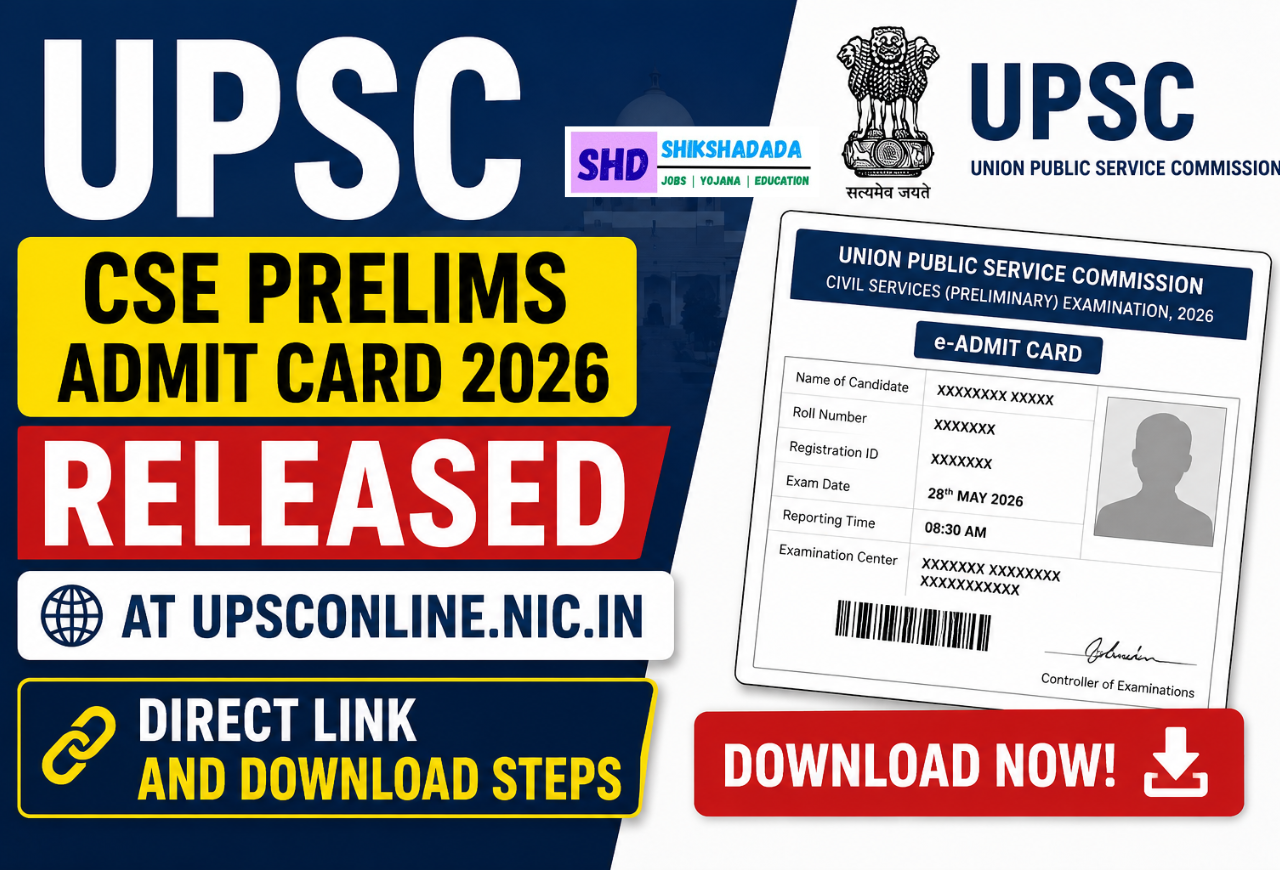
The Union Public Service Commission has officially released the UPSC Civil Services (CSE) Prelims Admit Card 2026 on its online portal. Candidates who have successfully registered for the prestigious examination can now download their hall ticket from upsconline.nic.in. The admit card is a mandatory document for entry into the examination hall, and applicants are advised to check all details carefully before the exam date.
Key Highlights of UPSC CSE Prelims Admit Card 2026
| Particulars | Details |
|---|---|
| Exam Name | UPSC Civil Services (Preliminary) Exam 2026 |
| Conducting Body | Union Public Service Commission (UPSC) |
| Admit Card Release | Released |
| Official Website | upsconline.nic.in |
| Mode of Download | Online |
| Exam Stage | Preliminary Examination |
How to Download UPSC CSE Prelims Admit Card 2026
Candidates can easily download their UPSC Prelims admit card 2026 by visiting the official portal. First, go to the UPSC online website and click on the admit card link available on the homepage. Then select the Civil Services Preliminary Examination admit card option and log in using either the registration ID or roll number along with the date of birth. After submitting the details, the admit card will appear on the screen, which can be downloaded and printed for future use. It is recommended to take multiple printouts to avoid last-minute issues.
Details Mentioned on UPSC Admit Card
The admit card contains several important details that candidates must verify before the examination. These include the candidate’s name, roll number, registration ID, exam date, reporting time, examination center address, and important instructions. In case of any discrepancy, candidates should immediately contact the UPSC authorities to get the issue resolved before the exam.
Also read: MHT CET PCB Response Sheet 2026 Released
Important Instructions for Candidates
Candidates appearing for the UPSC CSE Prelims 2026 must carry a printed copy of the admit card along with a valid photo ID proof to the examination center. Without these documents, entry will not be allowed. It is also important to reach the exam center well before the reporting time and follow all guidelines mentioned on the hall ticket. Electronic devices and prohibited items are strictly not allowed inside the exam hall.
Important Links
| Description | Link |
|---|---|
| UPSC Official Website | Visit Here |
| UPSC Online Portal | Click Here |
| Download Admit Card | Check Here |
| Exam Notifications | Click Here |
FAQs About UPSC CSE Prelims Admit Card 2026
Q1. Where can I download UPSC CSE Prelims Admit Card 2026?
You can download the admit card from the official UPSC online portal at upsconline.nic.in.
Q2. What details are required to download the admit card?
Candidates need their registration ID or roll number along with their date of birth to access the admit card.
Q3. Is it mandatory to carry a printed admit card?
Yes, candidates must carry a printed copy of the admit card along with a valid photo ID to enter the examination hall.